PURECVISOR 2.0.2
Install and operate VMs, containers, ZFS storage, and networking on one Linux/KVM host.The Web UI, REST API, and CLI share one local control plane.
Ubuntu Server 26.04.1 LTS · Single Edge · HTTPS :443 by default
SINGLE EDGE SERVICES · 16 RECORDINGS
Watch Single Edge in action
From network connectivity to GPU rendering. Watch the functional test videos.
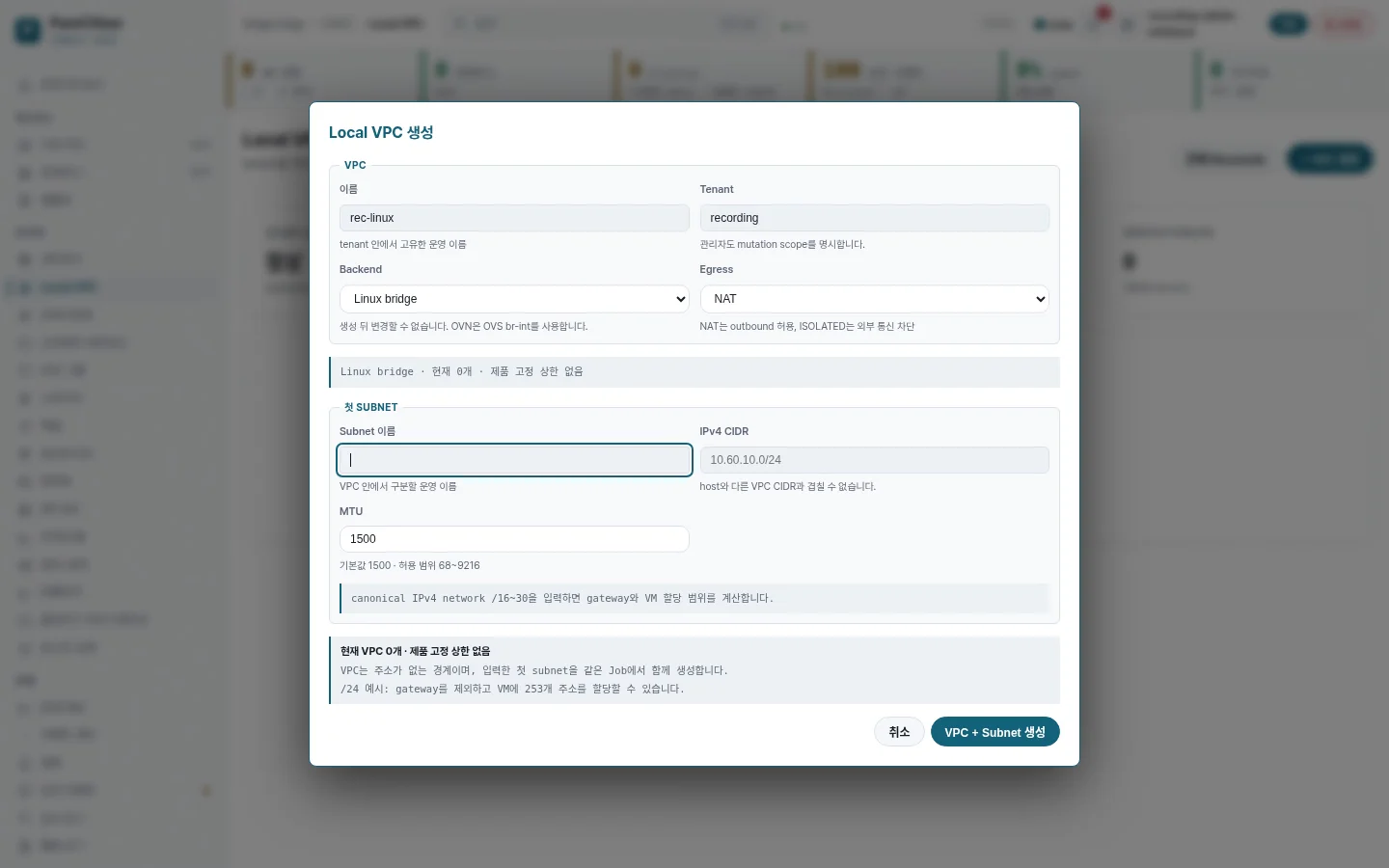
Create a VPC and its first subnet
Enter a name, select Linux bridge and NAT, and set the address range. Check that the VPC and its first subnet appear after creation.
Private networks
Connect VMs and control which traffic gets through.
Follow VPC and subnet creation, VM attachment, packet tests, service publishing, and outbound isolation and recovery.
Functional test recordings
Networking guideSilent recordings in Korean. These are the MP4 files saved during validation, with no additional cropping, speed changes, or content overlays. The original WebM captures are also available. Use fullscreen to read small text.
Recorded with the Linux bridge backend for Local VPC. The videos show the Web UI and test results from that recording session.
DOCUMENTATION · 22 DOCUMENTS
Explore the documentation
Start with Getting started for a new node. For an existing node, use Operations & recovery or Configuration & troubleshooting.
Getting started
Review the recommended profile and install a Single Edge node.
Workloads
Create VMs and containers and manage their lifecycle.
Infrastructure
Design and verify ZFS storage and network configuration.
Operations & recovery
Monitor node health and run backup and restore procedures.
Security & automation
Review authentication, authorization, audit, and automated recovery boundaries.
Interfaces
Find usage and contracts for the Web UI, REST API, and CLI.
Configuration & troubleshooting
Check daemon.conf settings and troubleshooting procedures.
Development & release
Review architecture, verification policy, and public release criteria.